Importing and Exporting ESQ-1 SysEx Data
Cherry Audio’s Ensoniq ESQ-1 can import compatible original ESQ-1 SysEx sound data, allowing vintage hardware programs, cartridge dumps, third-party libraries, and decades of user-created sounds to be brought into the software instrument.
SysEx, short for System Exclusive, is a type of MIDI message used to send manufacturer-specific data between instruments, computers, librarians, and storage utilities. For the original ESQ-1, SysEx made it possible to save and transfer programs digitally rather than manually recording every parameter setting, a noble pursuit best left to monks, archivists, and people with unusually forgiving wrists.
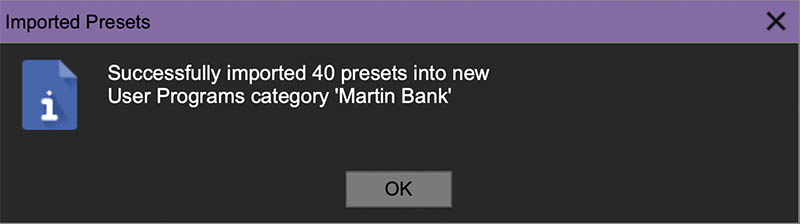
To import a SysEx file, drag and drop a compatible .syx file anywhere onto the Cherry Audio ESQ-1 interface.
If the file contains valid ESQ-1 program data, the instrument recognizes it and translates the sound into its native preset structure. Depending on the file, you may be importing a single program or an entire bank.
Once imported, the sounds appear in the Preset Browser, where they can be loaded, played, edited, saved, favorited, and organized like any other ESQ-1 preset.
Imported SysEx data contains the stored voice-programming information from the original hardware, including oscillator wave selections, tuning, DCA behavior, filter settings, envelopes, LFOs, modulation assignments, and related program data. Cherry Audio’s ESQ-1 translates this information as accurately as possible, preserving the character of the original sound while making it usable in the modern software environment.
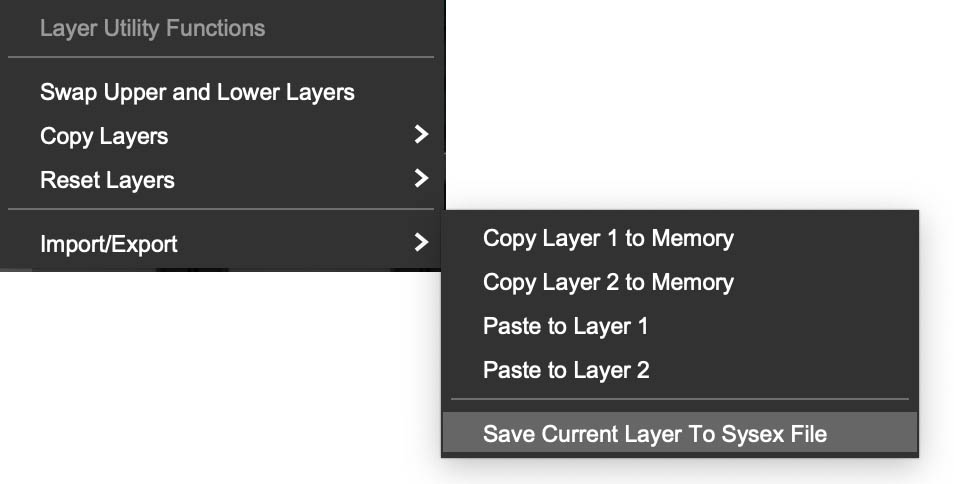
The ESQ-1 hardware has three distinct kinds of SysEx data: a single patch, a bank of patches, and sequencer data. Cherry Audio’s ESQ-1 can import single patch SysEx data and patch bank SysEx data. It does not import (or export) sequencer data, as the software's sequencer is a completely different design than the original sequencer.
Cherry Audio’s ESQ-1 is able to assemble original split/layered patches when importing an entire bank, because the bank includes standard ESQ-1 patch data for all 40 patches. If single patch SysEx data is imported into our software, the software ignores any split or layer information in the unavailable patch files.
Because these sounds were created for the original hardware, some may sound great immediately, while others may benefit from level adjustments, effects, filter refinement, or updated performance controls. Once imported, they can be layered, split across the keyboard, processed with effects, enhanced with new modulation, animated with Macro Motion, routed through different filter modes, assigned to MIDI or MPE control, and reshaped with the same tools available to any Cherry Audio ESQ-1 preset.